How to Use
Complete guide to create beautiful Diamond painting patterns
1. Image Upload
- Upload the image you want to convert on the homepage
- Supported formats: JPG, PNG, GIF, WebP
- Maximum file size: 50MB
- No image size restrictions
2. Size Configuration
- Select the width of the finished product from 5cm to 200cm range
- The height is automatically calculated according to the original image ratio
- The number of beads needed is calculated based on the selected size
3. Bead Type Selection
- Circular Beads: 2.8mm diameter, smooth feel
- Square Beads: 2.6mm per side, sharp feel
- The number of beads per centimeter varies depending on the bead type
4. Color Count Configuration
- Enter the number of colors to use directly or select recommended values
- Minimum: Minimum colors needed to recognize the shape
- Optimal: Efficient number of colors that express image characteristics well
- Maximum: Maximum number of colors for the most detailed expression
5. Preview and Download
- Click the "Generate Preview" button to check the pattern
- You can compare various results by changing settings
- When you're satisfied with the result, click the "Download Pattern" button
Key Features
- Accurate Color Matching: Uses DMC colors and Delta E 2000 algorithm
- Icon Optimization: Prevents confusion by arranging similar icons separately
- Real-time Preview: Check results immediately when changing settings
- Upscaling: Improves the quality of low-resolution images
Tips and Precautions
- Images with clear contrast and sharpness produce better results
- It's better to simplify overly complex images before using them
- Note that when working with large sizes, the number of beads can become very large
- More colors mean more detail but higher difficulty in work
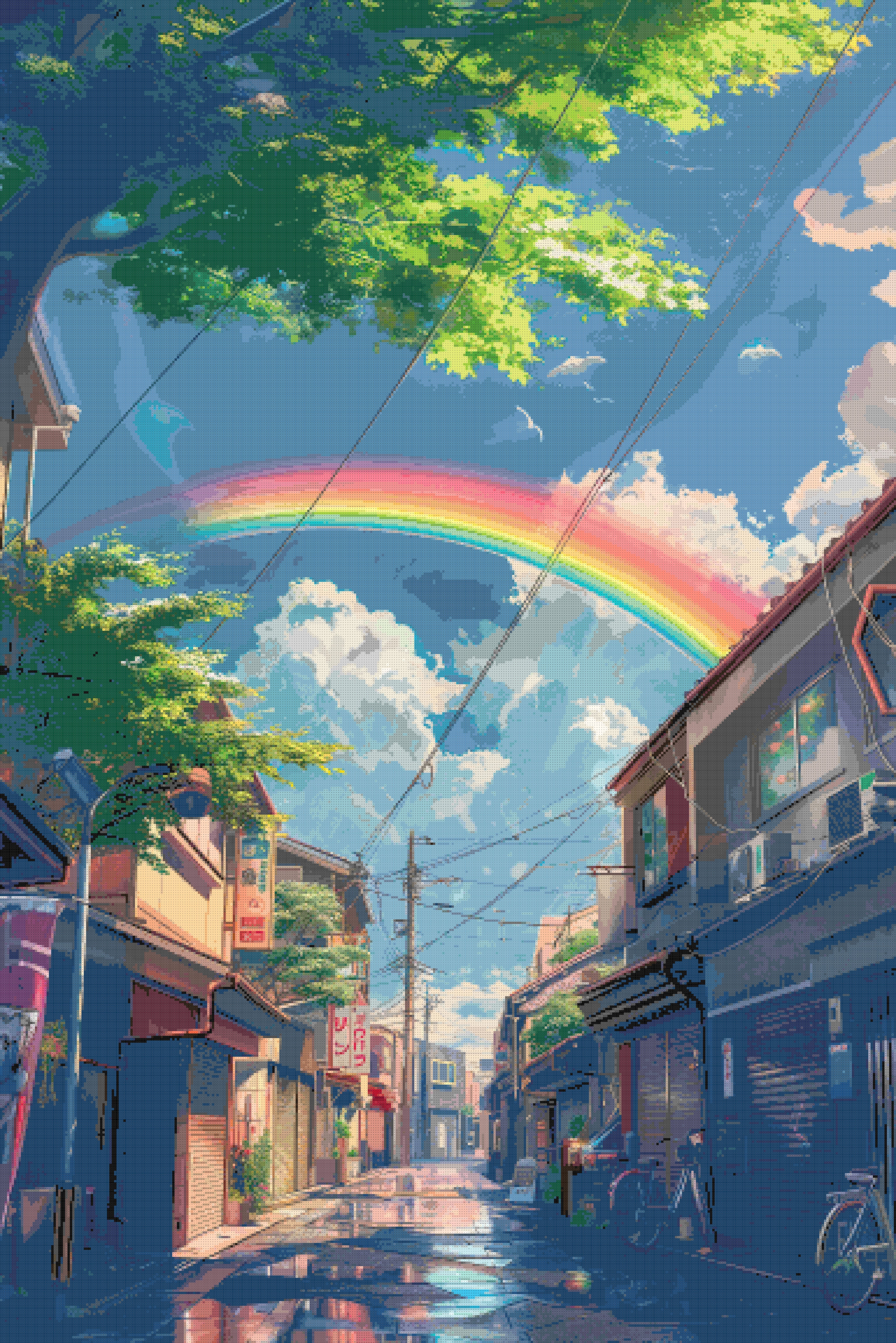
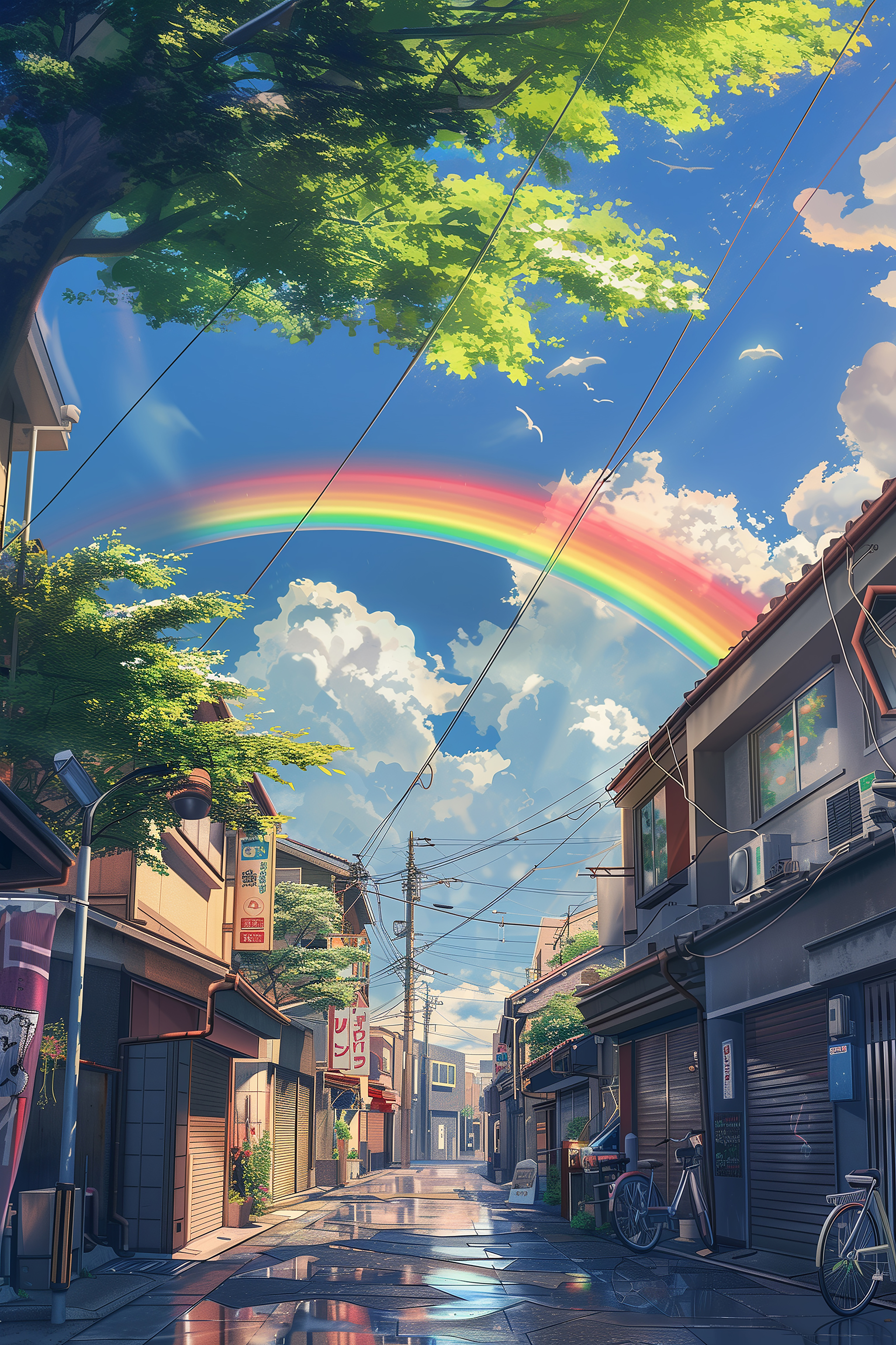
Before
After